


What Is an IP Address?

What is an IP Address? A Simple Explanation
An IP address is a unique identifier for a device on a network, much like a postal address for your home in the digital world. Picture the internet as a vast library where every device (smartphone, laptop, smart speaker) is a book on a shelf. To find or send a message to a specific book, the librarian needs its exact address. The IP address serves this role, enabling communication between devices in global or local networks.
Format
There are two types of IP addresses:
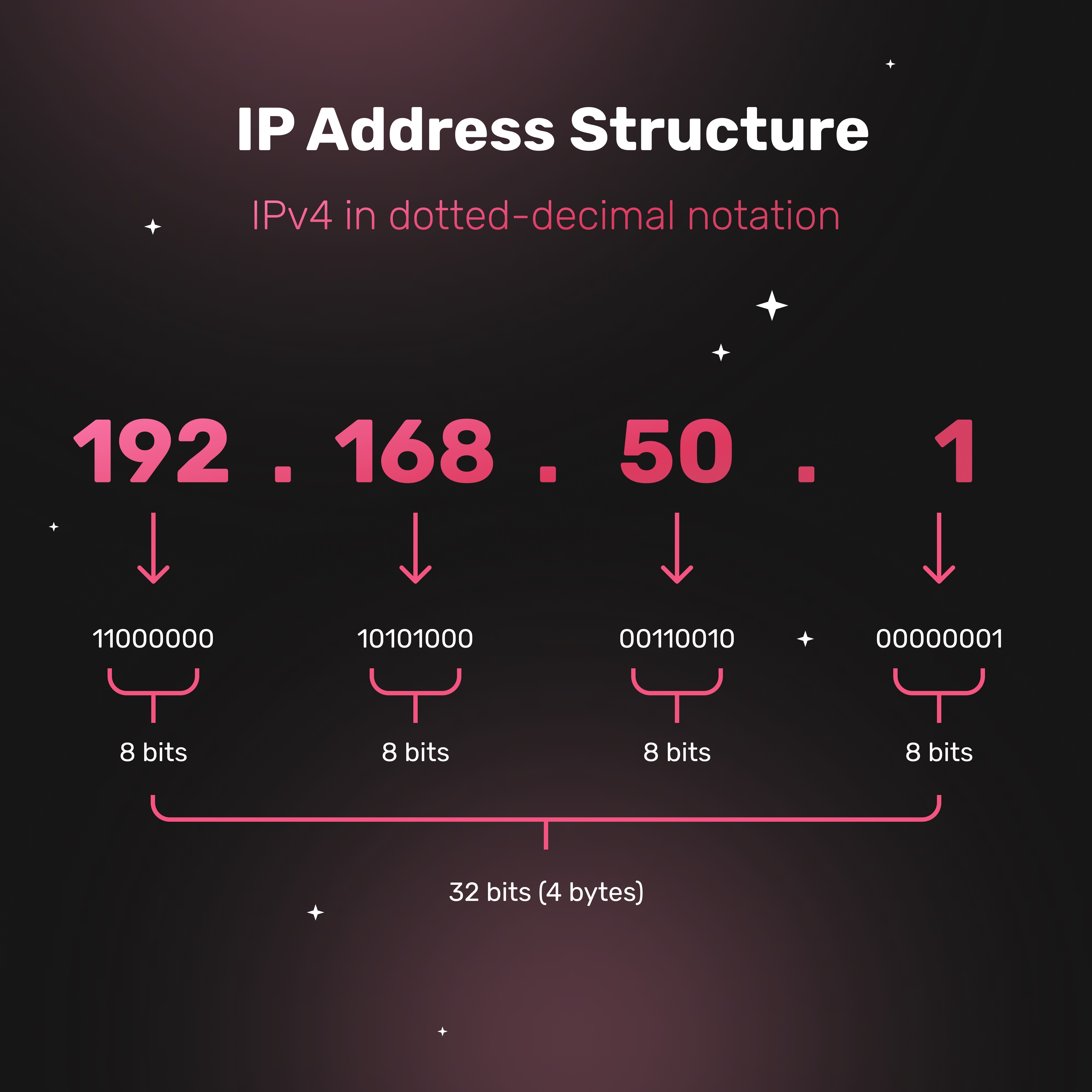
- IPv4: The classic format, e.g.,
192.168.0.1. It consists of four numbers (0–255) separated by dots. Fun fact: IPv4 supports about 4.3 billion addresses, but they’re running out due to the growing number of devices. - IPv6: The new standard, e.g.,
2001:0db8:85a3::8a2e:0370:7334. A long string of numbers and letters, capable of supporting trillions of addresses. Step by step, IPv6 is being adopted to support the Internet of Things, where billions of devices need unique identifiers.
Purpose
An IP address serves two key functions:
- Identification: It indicates who is sending or receiving data. When you visit a website, your IP tells the server where to send the requested page.
- Routing: It directs data through the internet. Information packets travel through routers, which use IP addresses for delivery. Fun fact: Without IP addresses, the internet would get "lost," like a courier without a map.
Who Assigns IP Addresses?
Globally: The Internet Assigned Numbers Authority (IANA) manages key internet resources. It distributes IP addresses, top-level domains (e.g., .com, .ru), and standardizes protocols. Essentially, IANA is the technical coordinator of the internet’s infrastructure.
Locally: Internet Service Providers (ISPs) handle IP address distribution and routing. They receive pools of IP addresses from regional registries (e.g., RIPE NCC for Europe) and assign them to end users.
Important: Your IP address can reveal a lot about you, especially your location (country and city). We’ll discuss how to hide your IP using a VPN later.
